
Loading blog...
When you add someone to Swivl, are they an employee, a 1099, or a subcontractor? The categories aren’t interchangeable — they change how you pay, how Swivl tracks cost, and what you owe at your year-end workers comp audit. Here’s how to tell them apart and how to set each up correctly.

Rob Heller
Published Apr 29, 2026
Last updated Apr 30, 2026
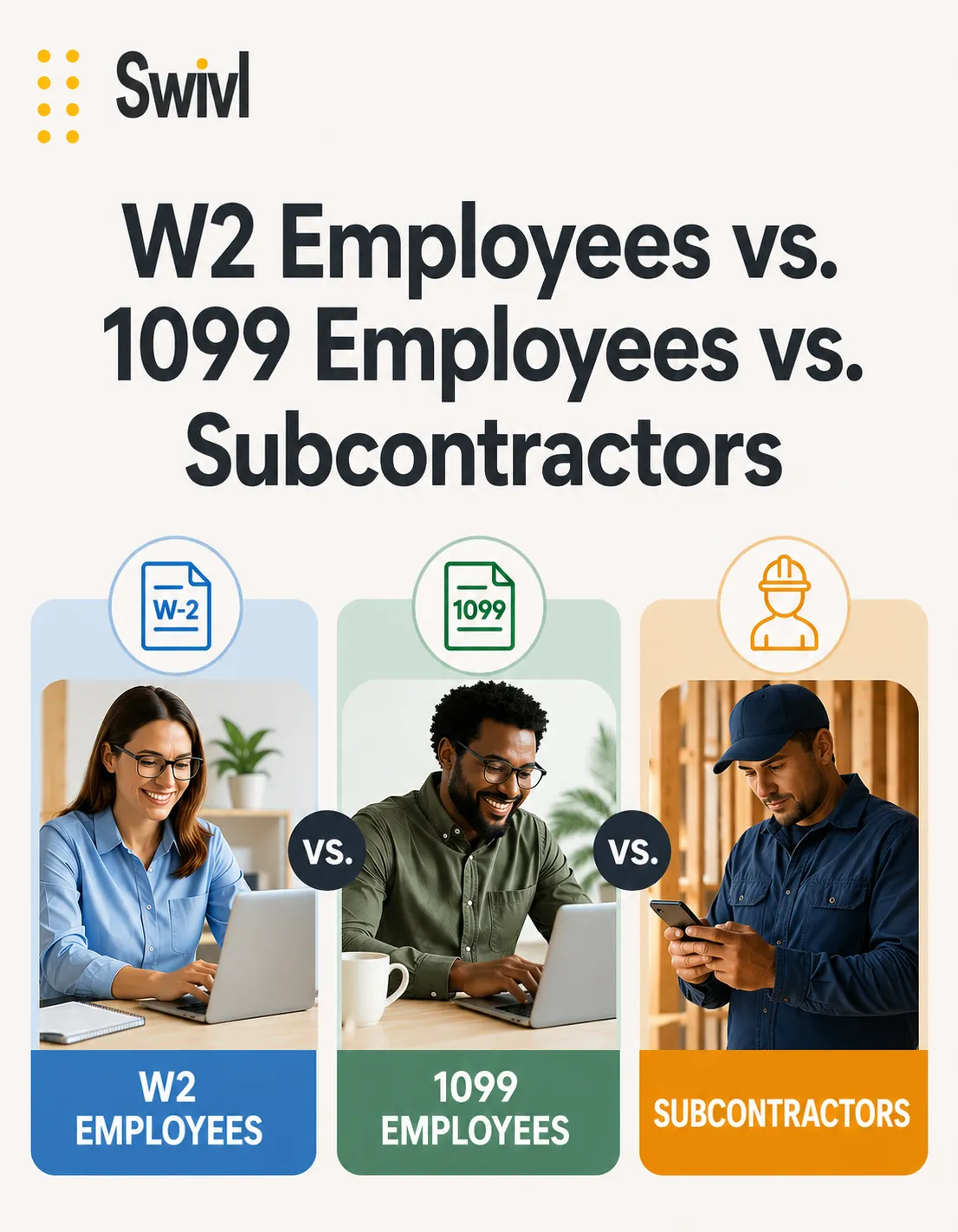
Table of Contents
Share this article
By Rob Heller, Swivl.tech
One of the most common questions I get from customers setting up Swivl is some version of: “When I add this person to my system, do I put them in as an employee or as a sub?” It’s a fair question, and the honest answer is that a lot of small business owners — even ones who’ve been running their company for years — don’t have a crisp answer to it. The terms get used loosely in the trades, and the IRS, your accountant, and your workers comp carrier all draw the lines a little differently.
But the distinction isn’t academic. It changes how you pay them, how Swivl tracks their cost, and — most expensively — what shows up on your bill at the end of the year when your workers comp auditor comes through. Let me walk through the three categories the way I think about them, and then explain how Swivl handles each.
A W-2 employee is exactly what it sounds like. You hire them, they work for you, you withhold taxes from their paycheck, and they get a W-2 in January. From a cost standpoint, employees are by far the most expensive way to put labor on a job, and the reason has nothing to do with their hourly wage. It’s all the things on top of the hourly wage.
When you put someone on payroll, the employer side of these costs is yours, not theirs:
In our world — field service, construction, the trades — workers comp is almost always the line item that dwarfs everything else. A plumber’s WC rate is dramatically higher than a desk worker’s. Same for HVAC techs, roofers, framers, electricians. It’s not unusual to see workers comp adding 8–15% on top of every payroll dollar, depending on your state and your classification code. That’s before you’ve layered on the rest of the burden.
The shorthand the industry uses — and the field we have right inside Swivl — is labor burden rate. It’s the multiplier you apply on top of an employee’s wage to get their true cost to the company. Wage plus payroll taxes plus WC plus benefits plus a sliver of overhead. For most W-2 field service employees, a realistic labor burden lands somewhere between 25% and 40% of base wages. We let you set it per user, because the burden on a senior tech with full benefits isn’t the same as the burden on a part-timer, and your job costing should reflect that.
Here’s where people get confused. A “1099 employee” is not an employee. The IRS would prefer we stop calling them that. They’re an independent contractor — usually an individual — who you pay without withholding, and you issue a 1099-NEC at year end.
The appeal of going 1099 is obvious. You skip the payroll taxes. You skip FUTA and SUTA. You’re not on the hook for benefits. On paper, it looks like a much cheaper way to put a person on a job.
In practice, there’s a catch most operators don’t fully internalize until their first workers comp audit, and it costs them real money: a 1099 individual almost never carries their own workers comp insurance. And the way WC policies work in our industry, your auditor is going to look at every dollar you paid to anyone who didn’t show proof of their own coverage and roll those payments into your premium calculation. You will be charged workers comp on those 1099 payments as if the person had been on your payroll.
Most owners only learn this once. They had a great year, they leaned on a couple of 1099 guys to handle overflow, they wrote them checks all season, and then in January their WC carrier sent an audit invoice for several thousand dollars they hadn’t budgeted for. The “savings” of going 1099 evaporated in one envelope.
What this means for how you set them up in Swivl: when you add a 1099 individual as a user, your labor burden rate should still include the workers comp percentage. It just shouldn’t include the payroll taxes (FICA match, FUTA, SUTA) or the benefits, since you’re not paying those. Set their burden lower than a W-2 — but don’t set it to zero. The audit is coming, and the burden field is the right place for that cost to live so your job costs don’t lie to you.
If you’re like most owners I talk to, you don’t have your exact workers comp rate, your state SUTA rate, and your fully-loaded benefits cost memorized to the decimal point. That’s normal, and it shouldn’t stop you from setting Swivl up today. Use a reasonable default, and tighten it later once you have the real numbers in front of you. A wrong-but-close burden rate is dramatically more useful than no burden rate at all.
Here are the starting points I’d suggest if you have to plug a number in right now and refine it later:
Then, after your next workers comp audit and your next quarterly payroll tax filing, you’ll have actual numbers in hand. Plug those in, and from that point forward your job costing in Swivl will start telling you the truth about which jobs and which crews are actually making you money — and which ones only looked like they were.
A true subcontractor is not a person. It’s a company. They have their own EIN, their own crews, their own trucks, their own general liability policy, and — crucially — their own workers comp coverage for their own employees. They don’t work for you. They work alongside you on a specific job, for a specific scope, at a price the two of you agreed to.
The cleanest example I can give comes from when I was running my plumbing company. We’d take on a sewer line replacement that required us to cut up a customer’s concrete driveway to get to the line. We weren’t a concrete company — pouring driveways wasn’t our trade — so we’d call out a concrete sub. They’d come look at it, send us a quote, we’d either accept or push back, and if we accepted they handled their piece of the job and invoiced us when it was done.
Two things made that a true subcontractor relationship rather than a 1099 hire:
When you’re paying a company, you’re paying for an outcome — a finished driveway, a completed install, a fixed roof. You’re not paying for time. They control how their crew works. You’re not their employer. With the right paperwork on file, they don’t show up on your WC audit at all.
Now to the part you actually came here for: how to set these people up in Swivl correctly.
W-2 employees and 1099 individuals both go in the Users section. They show up on jobs the same way, get assigned tasks the same way, clock the same way. The difference is what you set their labor burden rate to — full burden for W-2, lower for 1099 but with workers comp still baked in.
Subcontractor companies do not go in Users. They have their own dedicated section in Swivl, and we treat them differently on purpose, because the relationship is fundamentally different. You’re not assigning them work the way you’d assign a tech — you’re handing them a scope, agreeing on a price, and getting a deliverable back.
When you assign a task to a sub in Swivl, what they actually receive is a simple web page. No login, no app to install. The page shows them:
That flow is intentional. The pictures they upload roll into the main image library on the job, sitting next to all the photos your crew took, so the job’s photo record stays whole. The invoice they upload goes straight into the job’s cost record once you approve it — and if you’ve got an accounting system connected, the invoice flows there too. You don’t have to chase them for documentation. They self-serve, and the docs land where you need them.
Competitive bids. This one was a personal frustration of mine going back to the plumbing days, and it’s why we built it into Swivl. When you need a sub for a specific scope — say a concrete driveway pour, or a drywall repair, or a roof patch — you can in a few clicks send a request for estimate to multiple subcontractors at once. Each one gets the same scope and the same job photos. They each come back with their own quote. You compare side by side and pick the one that makes sense.
Two things happen when you do this consistently. You stop overpaying because you’re no longer locked into whoever you called first. And your subs stay sharper on price because they know you’re shopping it. Both of those compound over a year.
If you remember nothing else from this:
Get those three categories right and two things happen at once: your job costing actually reflects what each job is costing you, and your year-end workers comp audit stops being a surprise. Both worth doing.
— Rob
Join thousands of contractors already growing with Swivl's AI-powered platform.